Gradient map adjustment
The Gradient Map adjustment maps the equivalent greyscale range of an image to a specified colour gradient. This provides an effective (and creative) way of recolouring an image.
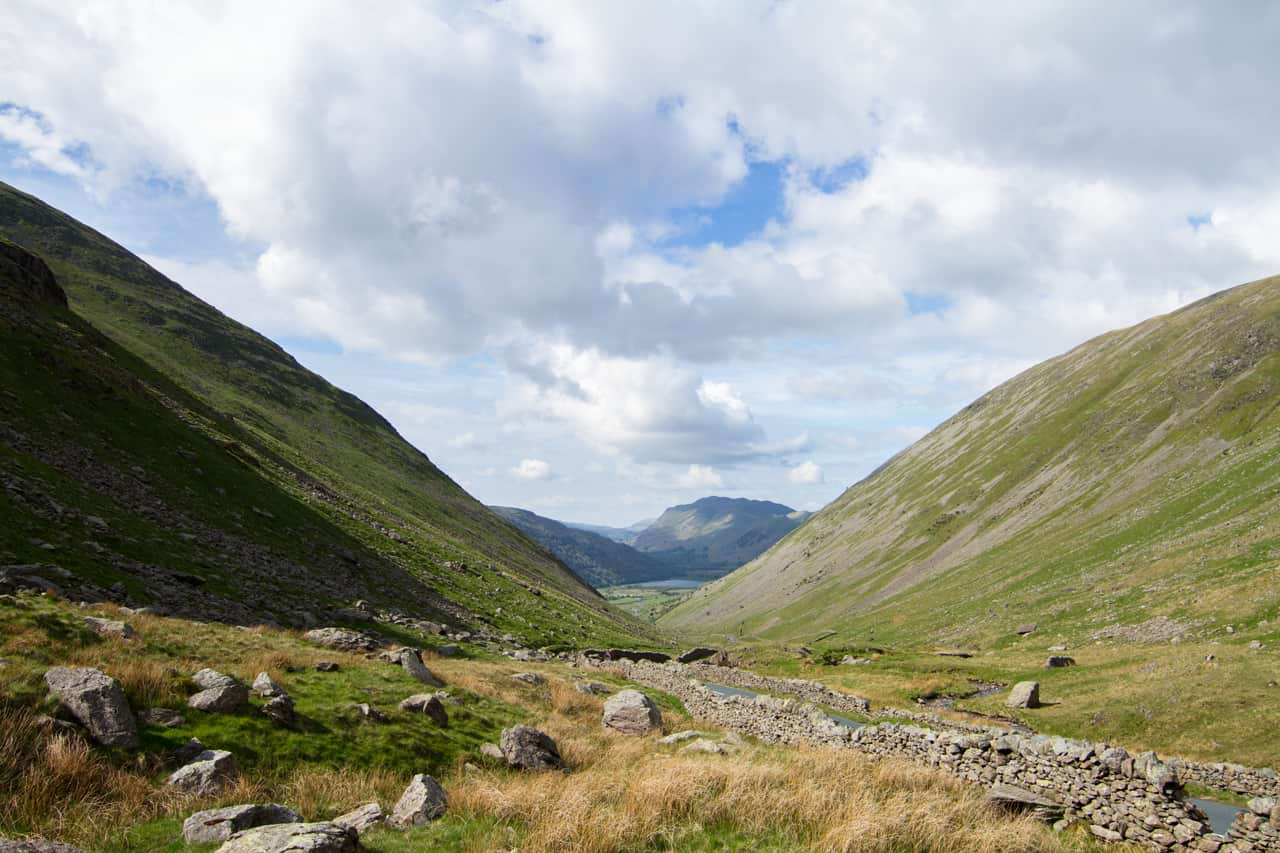
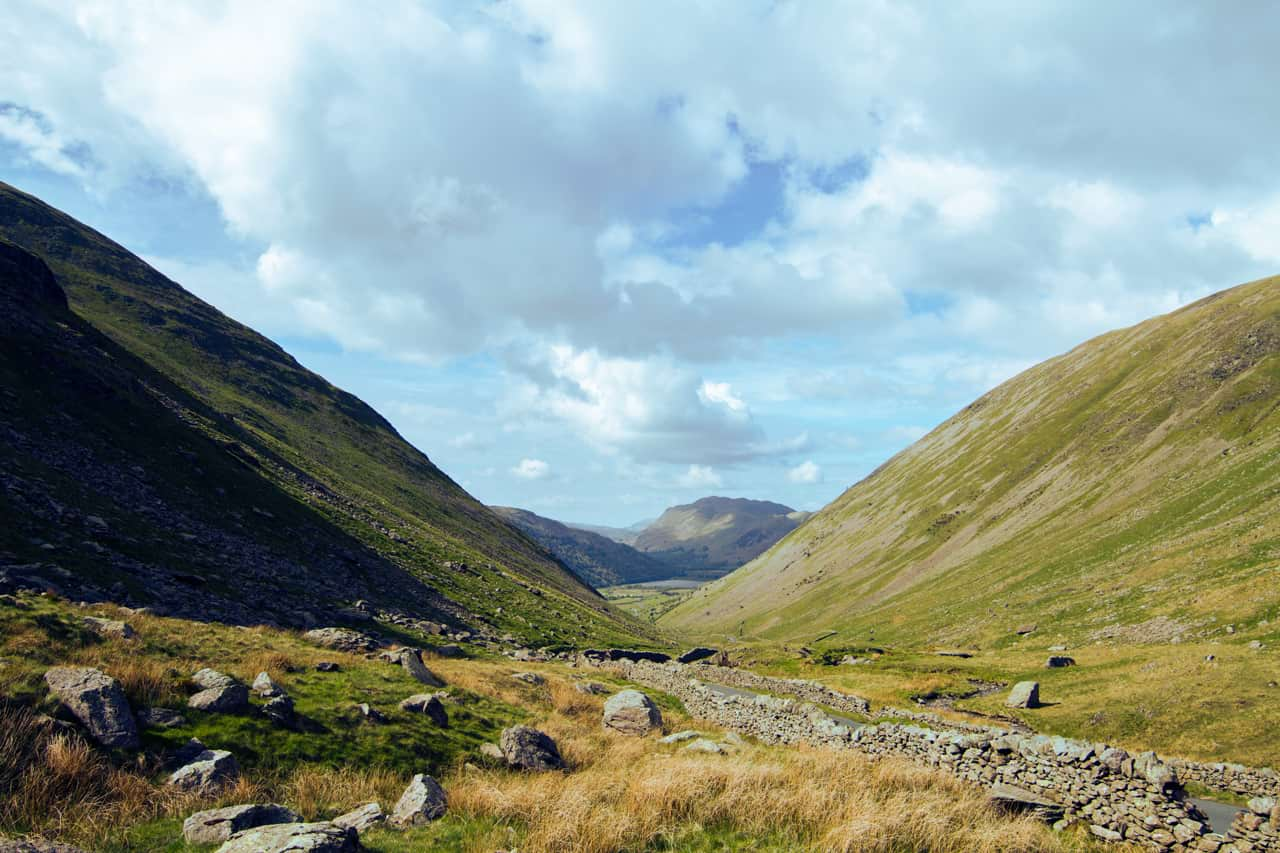
The Gradient Map adjustment maps the equivalent greyscale range of an image to a specified colour gradient. This provides an effective (and creative) way of recolouring an image.
Apply this adjustment via the Adjustments panel using the following settings:
 Merge—merges the current adjustment layer with the layer immediately below it in the layer order.
 Reset—reverts all adjustment settings to default.
 Delete—closes the settings and deletes the adjustment layer, removing the adjustment.
 Add Preset—adds the current adjustment settings as a preset for use with later images and projects.
To learn more about the dialog settings, see the Gradient editing topic.