Object removal using stacks
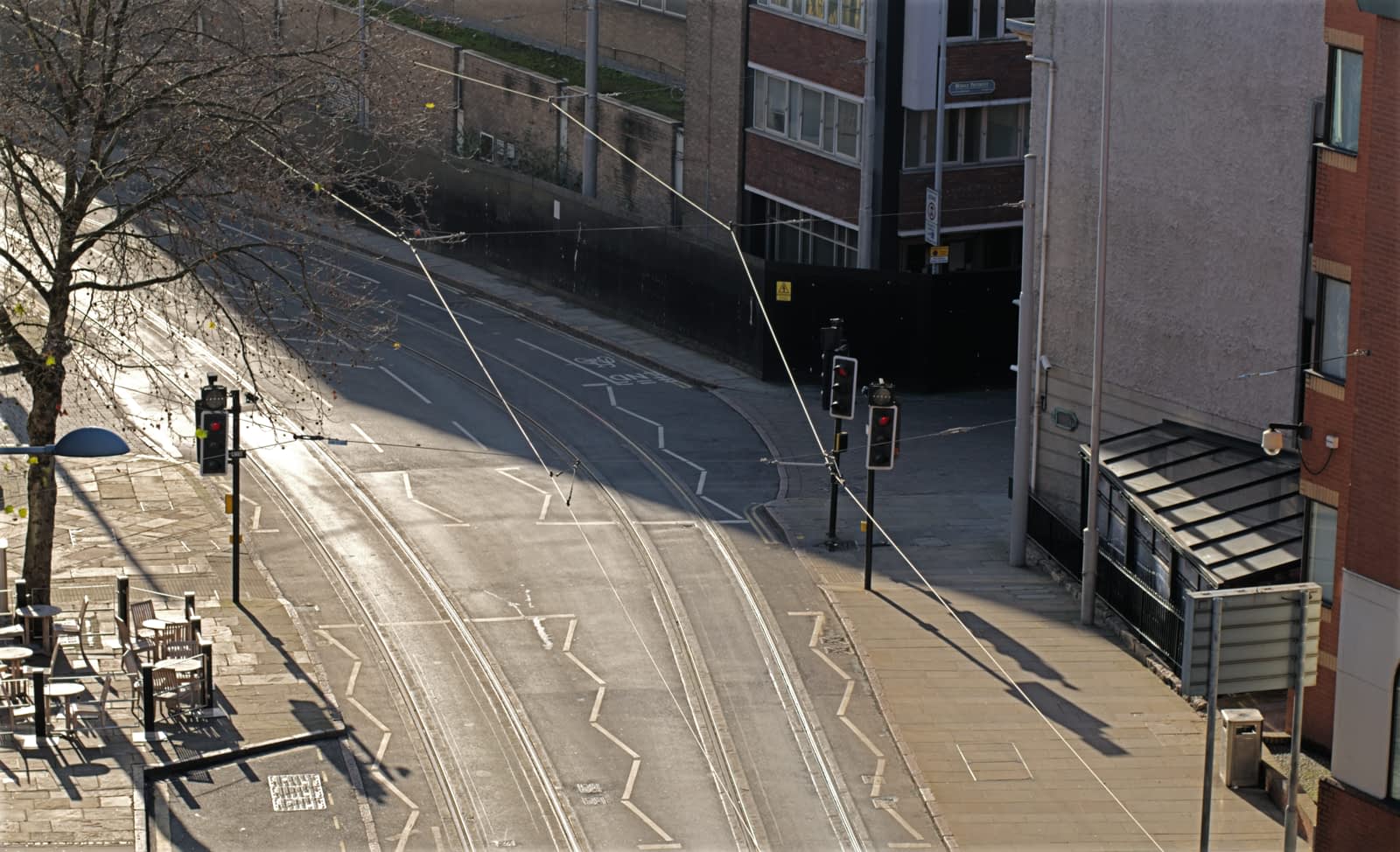
Object removal solves the problem of moving subject matter being included in your images—think of passing crowds, vehicles, birds flying, or other annoying distractions. Obviously, a single shot taken at a specific time may be the perfect solution but it may not be practical or possible to wait for this.
Exposure 01
Exposure 02
Exposure 03
Exposure 04
Final Exposure
 To create an object removal stack: