Aligning
Layer content can be aligned on the page accurately using the Transform Studio.


Layer content can be aligned on the page accurately using the Transform Studio.
Settings can be adjusted from the Studio's Alignment Options:
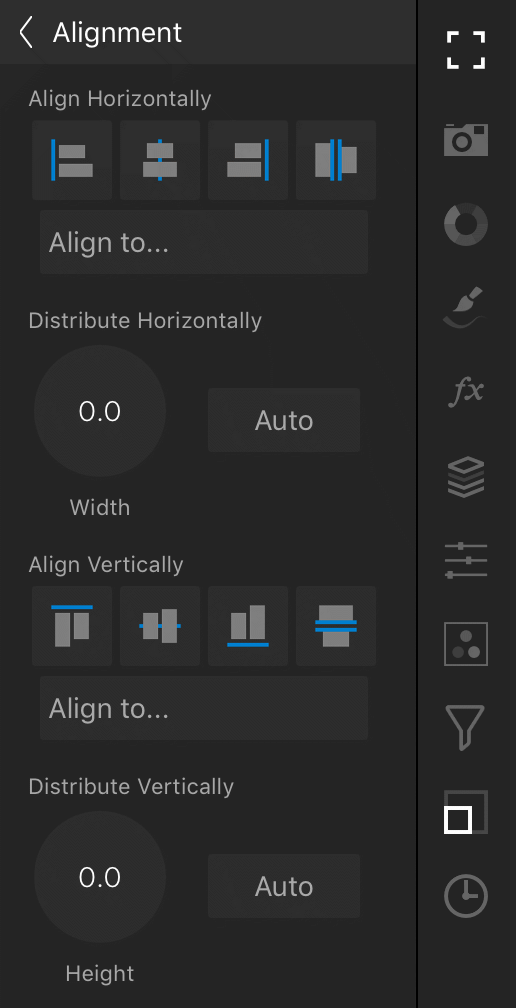
 To align layer content: