Lens Filter adjustment
Emulates the use of a lens filter to tint the colour of the image.
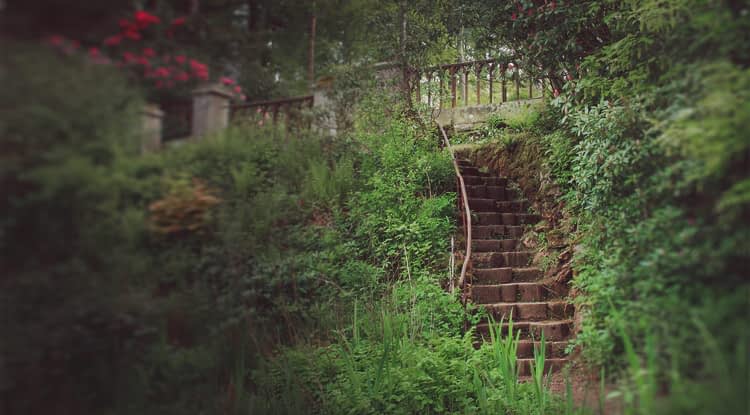
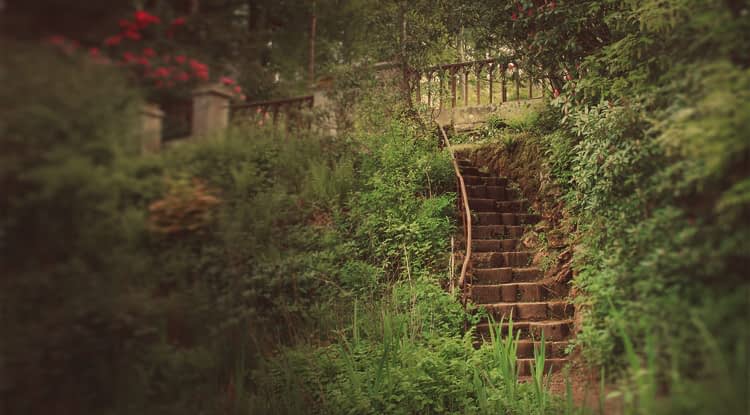
Emulates the use of a lens filter to tint the colour of the image.
Apply this adjustment via the Adjustments panel using the following settings:
 Preserve Lum.—when checked, prevents the change in colour from affecting the luminance channel of the image. If unchecked, increasing the optical density will typically reduce the luminosity of the image.
 Merge—merges the current adjustment layer with the layer immediately below it in the layer order.
 Reset—reverts all adjustment settings to default.
 Delete—closes the settings and deletes the adjustment layer, removing the adjustment.
 Add Preset—adds the current adjustment settings as a preset for use with later images and projects.